Step 1: Click the Download Button
Tap the “Download iOS App” button on this page. You’ll be directed to the installation page on the Jeetbuzz official website.
The Jeetbuzz app brings real-money casino games and sports betting directly to your iPhone or iPad. Players in Bangladesh can access thousands of slots, live dealer tables, and betting markets from one streamlined platform. Download the app now to claim your welcome bonus and start playing within minutes.
The Jeetbuzz iOS app delivers a complete betting and casino experience optimised for Apple devices. It supports local payment methods, Bangladeshi Taka, and runs smoothly on older iPhone models. Here’s what you need to know:
| App Size | 25 MB (web-based) |
| Last Update | January 2025 |
| Casino Welcome Bonus | 100% up to ৳10,000 + 100 Free Spins |
| Sports Welcome Bonus | 100% up to ৳5,000 |
| Supported Languages | English, Bengali |
| Payment Methods | bKash, Nagad, Rocket, Bank Transfer, Visa, Mastercard |
| Promo Code | Available during registration |
Installing the Jeetbuzz app on your iPhone or iPad takes less than two minutes. Follow these steps to get started:
Tap the “Download iOS App” button on this page. You’ll be directed to the installation page on the Jeetbuzz official website.
The installation process works best through Safari. If you’re using another browser, copy the link and paste it into Safari before continuing.
Tap the Share icon at the bottom of Safari, then select “Add to Home Screen”. Name the shortcut “Jeetbuzz” and tap “Add”.
Find the Jeetbuzz icon on your home screen and tap it to open. Log in or register to start betting and playing casino games.
The app opens as a web-based platform, so you don’t need to wait for lengthy downloads or deal with App Store restrictions.
The Jeetbuzz app runs on most Apple devices released in the last five years. Check these minimum requirements before installing:
| Requirement | Minimum Specification |
|---|---|
| iOS Version | iOS 11.0 or later |
| Processor Frequency | 1.5 GHz dual-core |
| Memory (RAM) | 1 GB |
| Storage Space | 50 MB free |
| Internet Connection | 3G or faster |
Older devices with limited RAM may experience slower loading times, but the app remains fully functional.
Jeetbuzz works across a wide range of Apple products. Here are the most popular compatible devices:
If your device can run iOS 11 or higher, you can install and use Jeetbuzz without issues.
Jeetbuzz operates as a Progressive Web App, meaning it functions like a native app without requiring App Store approval. This approach ensures faster updates and easier installation. Follow these steps to add Jeetbuzz as a PWA:
Tap the “Start using!” button. You’ll be taken to the Jeetbuzz installation page on this website.
If you don’t have an account yet, complete the quick registration form. Enter your phone number, create a password, and select BDT as your currency.
Open Safari and tap the Share icon at the bottom of the screen. This will bring up a menu of sharing options.
Scroll through the menu and select “Add to Home Screen”. Confirm by tapping “Add” in the top-right corner. The Jeetbuzz icon will now appear on your home screen.
The PWA version updates automatically, so you never need to reinstall or manually upgrade the app.
New players who install the Jeetbuzz app and register an account can claim generous welcome bonuses. These offers apply to both casino games and sports betting:
To activate any bonus, make a qualifying deposit of at least ৳500 and enter the promo code during registration. Check the promotions section in the app for full terms and wagering requirements.
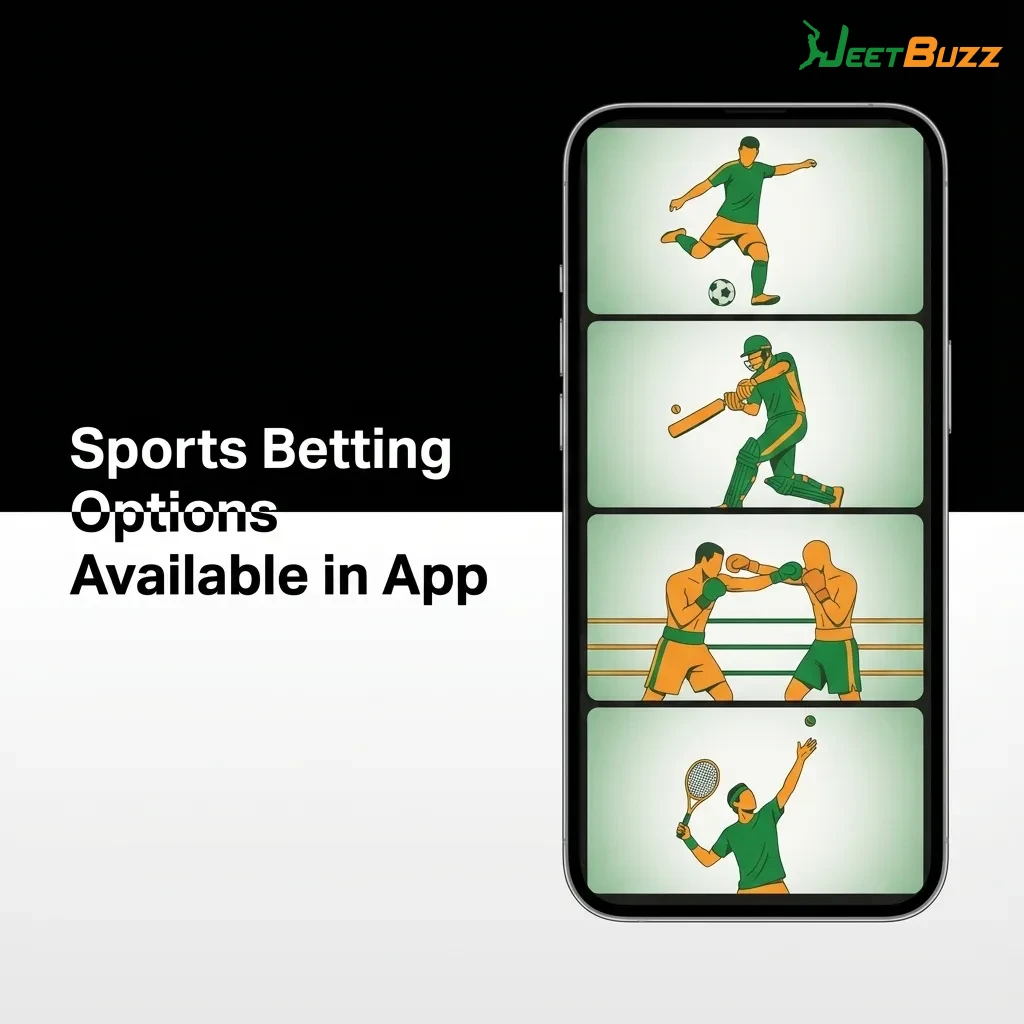
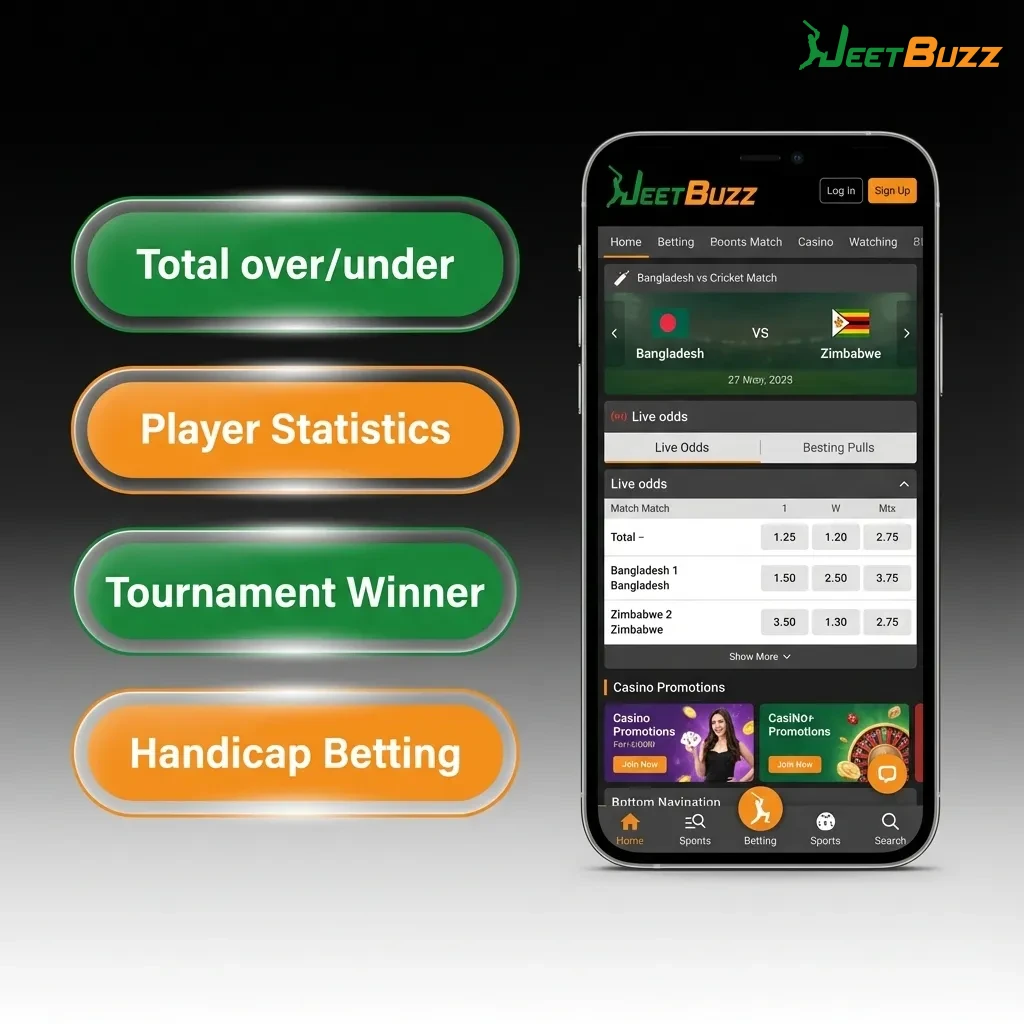
The Jeetbuzz app covers major sports leagues and tournaments worldwide. You can bet on live matches or place pre-match wagers on these popular sports:
Live betting updates in real-time, so you can place bets during ongoing matches with constantly shifting odds.
Jeetbuzz supports multiple bet types to match different strategies and risk levels. Here are the most popular options:
Each bet type offers different risk-reward profiles, so choose based on your confidence level and bankroll.
Placing your first bet through the Jeetbuzz app is straightforward. Follow these steps:
Your bet will be processed instantly, and you can track its status in the “My Bets” section.
The Jeetbuzz app offers over 2,000 casino games from top providers like Pragmatic Play, Evolution Gaming, and NetEnt. You can browse by category or search for specific titles:
All games load quickly on the app, and you can switch between titles without reloading the entire platform.
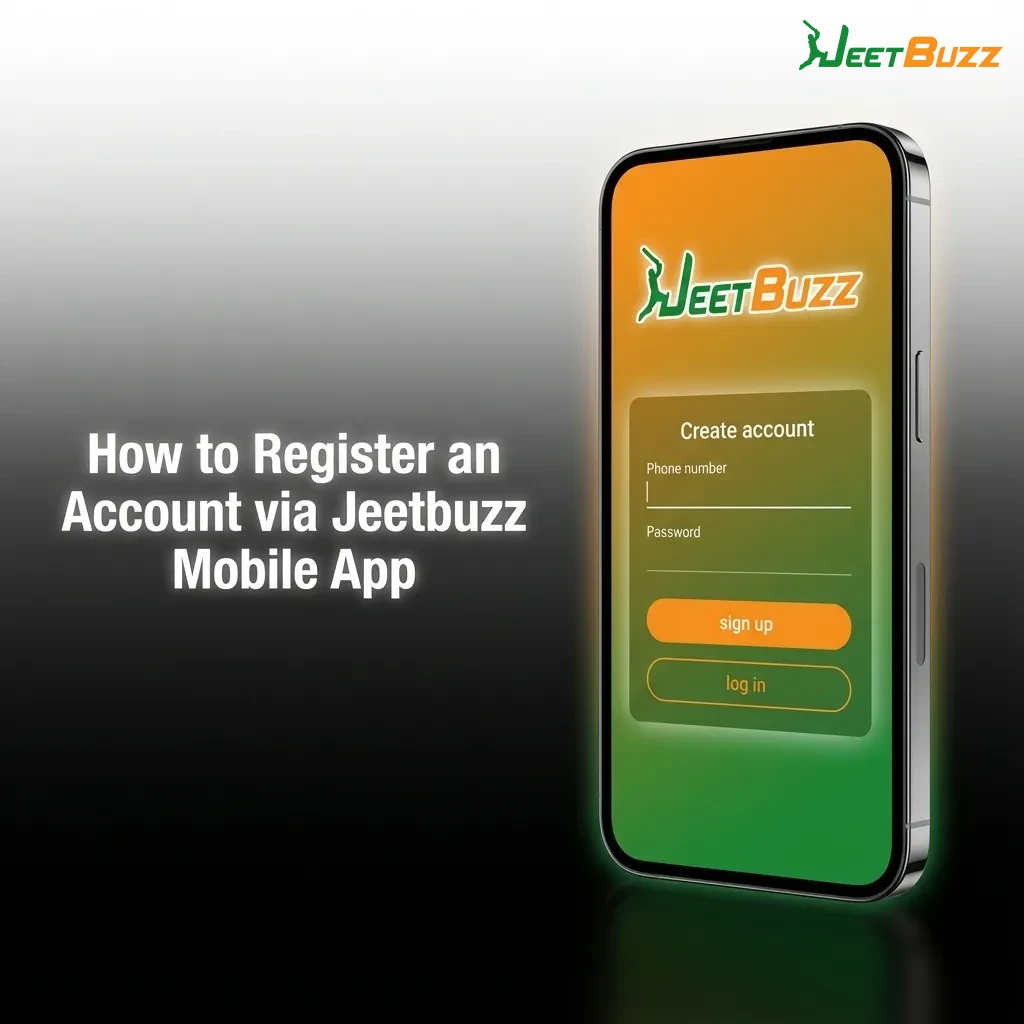
Creating an account through the app takes less than a minute. Follow these steps:
Once registered, you can deposit funds and start betting or playing casino games immediately.
Accessing your Jeetbuzz account through the app is quick and secure. Here’s how:
The app remembers your login details by default, so you won’t need to re-enter them each time unless you log out manually.
The Jeetbuzz app functions as a web-based platform, so it updates automatically without any action required from you. Every time you open the app, it loads the most current version directly from the server. This means you never need to visit the App Store, download patches, or reinstall the app. New features, game additions, and security improvements are applied instantly in the background. You’ll always have access to the latest promotions, betting markets, and casino games without interruption. This automatic update system also ensures that the app remains fully compliant with the latest iOS versions and security standards.

The Jeetbuzz app supports popular local payment methods for quick deposits and withdrawals. Minimum deposit is ৳500, and minimum withdrawal is ৳1,000. Maximum limits vary by payment method:
All transactions use secure encryption, and no payment method charges additional fees from Jeetbuzz.
Adding funds to your Jeetbuzz account through the app takes only a few taps. Follow these steps:
If you encounter any issues, contact customer support through the live chat feature in the app.
Cashing out your winnings from the Jeetbuzz app is straightforward. Here’s the process:
Make sure your account is fully verified before requesting a withdrawal to avoid delays.
The Jeetbuzz app delivers a complete betting and casino experience optimised for iOS devices. Here’s what makes it stand out:
These features make Jeetbuzz one of the most user-friendly betting apps for Bangladesh players.
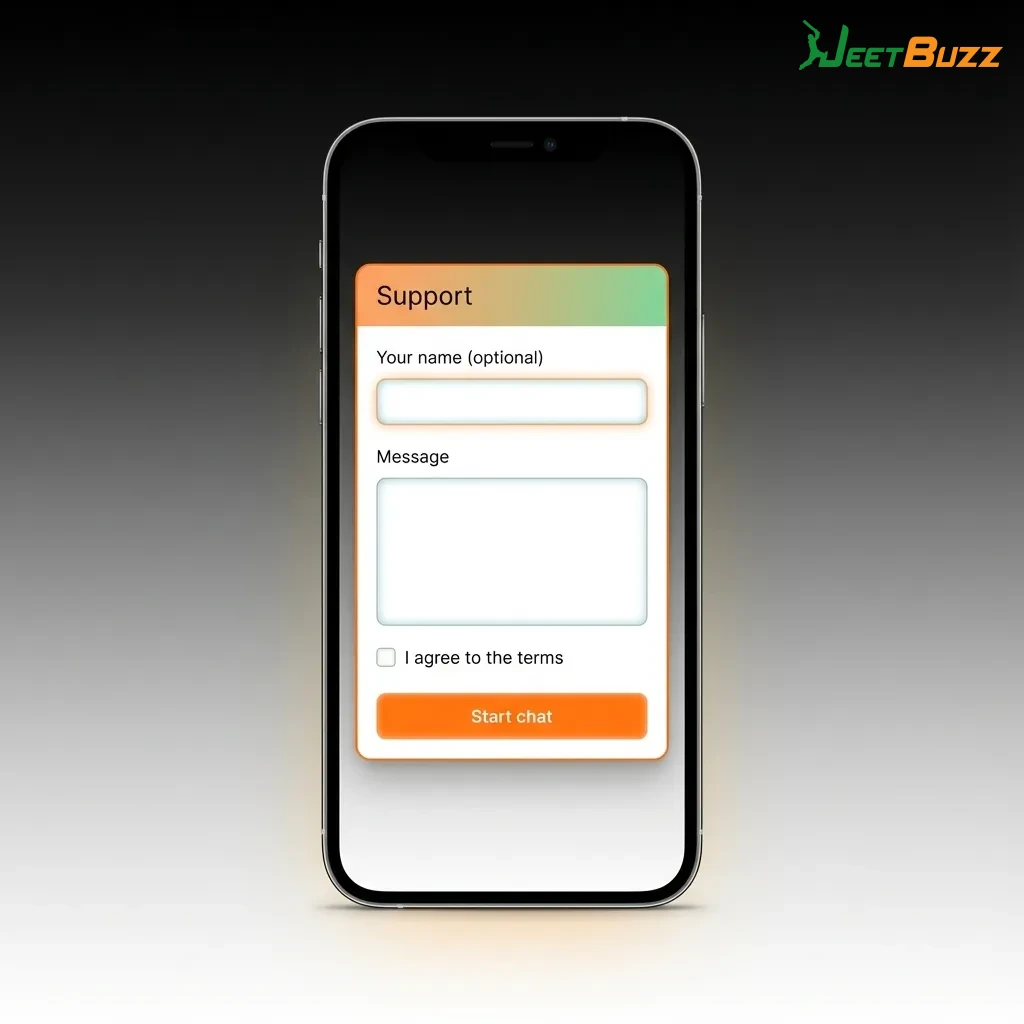
Jeetbuzz offers round-the-clock customer support to help resolve any issues you encounter. The support team speaks English and Bengali and responds quickly to all inquiries. Here are the available contact methods:
| Contact Method | Availability | Response Time |
|---|---|---|
| Live Chat | 24/7 | Instant |
| 24/7 | 1-4 hours | |
| Phone Support | 24/7 | Immediate |
| Telegram | 24/7 | 5-15 minutes |
| 24/7 | 5-15 minutes |
For the fastest assistance, use the live chat feature built into the app. You can access it by tapping the support icon in the bottom-right corner of the screen.
Jeetbuzz operates under an international gaming licence and accepts players from Bangladesh. The app uses secure payment methods and complies with data protection standards. However, online gambling laws in Bangladesh are ambiguous, so players should use the app at their own discretion.
Yes, you can log in to your Jeetbuzz account from any iOS device using your registered phone number and password. Your balance, bet history, and account settings sync automatically across all devices.
Yes, Jeetbuzz requires identity verification for your first withdrawal. Upload a photo of your ID card and a recent utility bill through the app. Verification usually takes 1-2 hours, and you only need to complete it once.
If the app closes unexpectedly, your bet remains active. Log back in to check your bet status in the “My Bets” section. If the bet was placed successfully, it will appear there. If not, your stake will be refunded to your balance automatically.
Most casino games on Jeetbuzz require real-money bets. However, you can use your welcome bonus or free spins to play without risking your own funds. Demo modes are not available in the app, but you can place small bets to test games before committing larger amounts.
Updated: